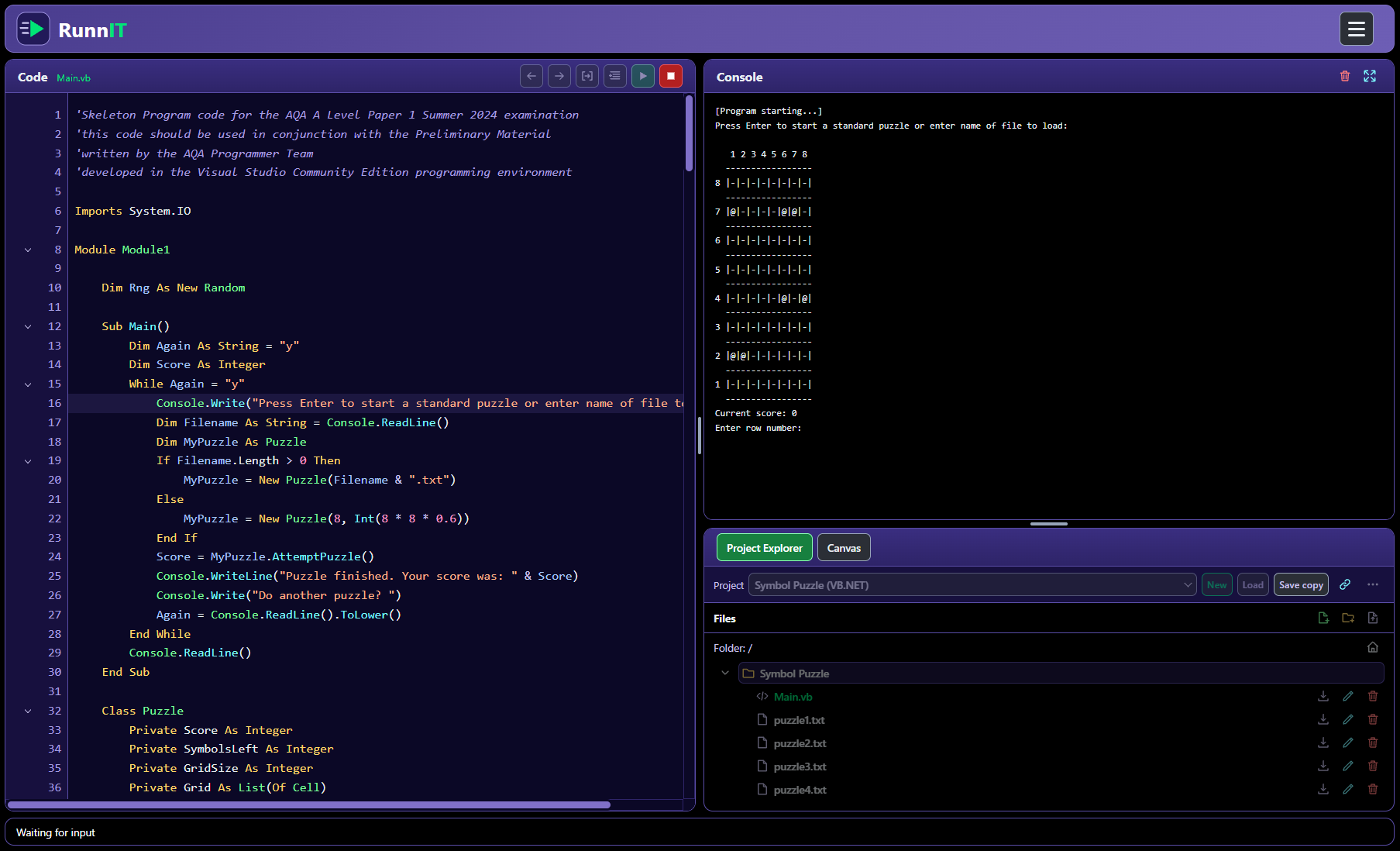
Why teachers and students use RunnIT
No installation
Open the page and start coding. It suits school Macs and Chromebooks, locked-down computers and homes without Visual Studio.
Private by design
Code is compiled and run inside your browser using Roslyn and .NET WebAssembly. Nothing is uploaded to a server and nobody has to sign in.
Works offline
After the first load you can install RunnIT as an app and keep working without a connection.
Built for the classroom
Share a project with a link, load AQA skeleton code, and let students step through their programs with a real debugger.
What you can do in RunnIT
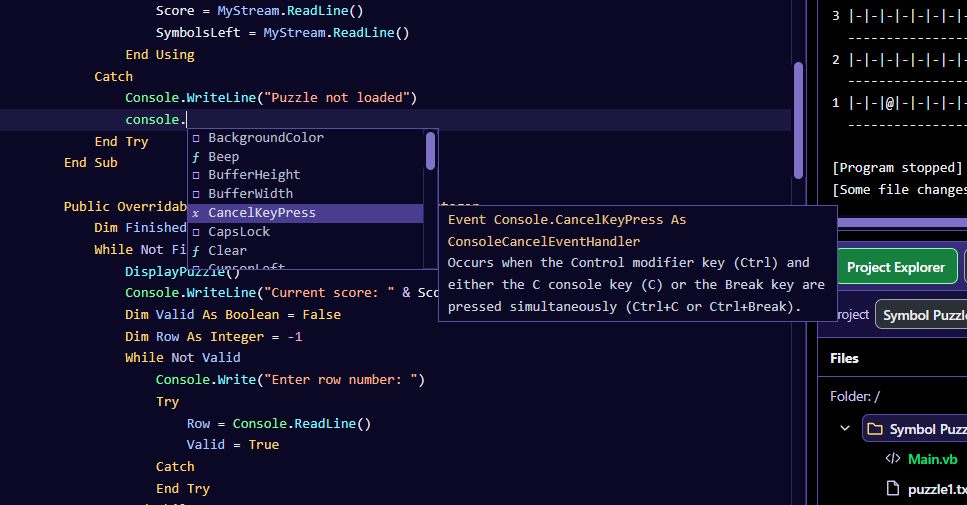
Write VB.NET and C# with IntelliSense-style code completion
Suggestions come from the real compiler (Roslyn), so they know your own classes, variables and methods as well as the .NET library. Each suggestion shows a short description, and the editor highlights keywords, types, variables and methods in different colours. Code folding, automatic indentation and formatting help keep programs tidy.
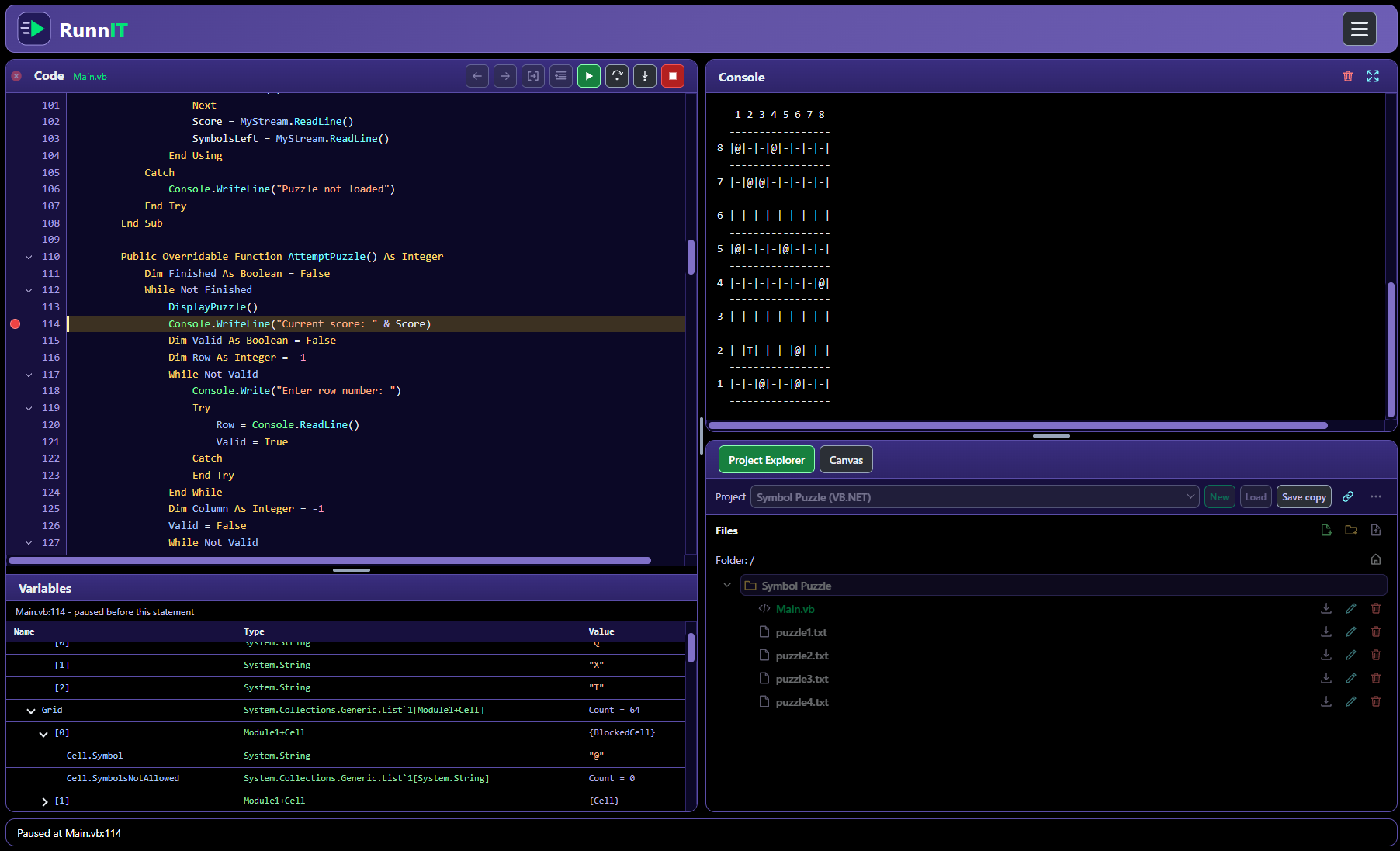
Debug with breakpoints and variable inspection
Click the gutter to set a breakpoint, run the program, then use Continue, Step over and Step into. The Variables panel shows locals, parameters, arrays, lists and the fields of objects, colour-coded by type, and highlights values that changed since the last pause. The debugger also works inside lambda expressions. Debugging needs a desktop-sized window.
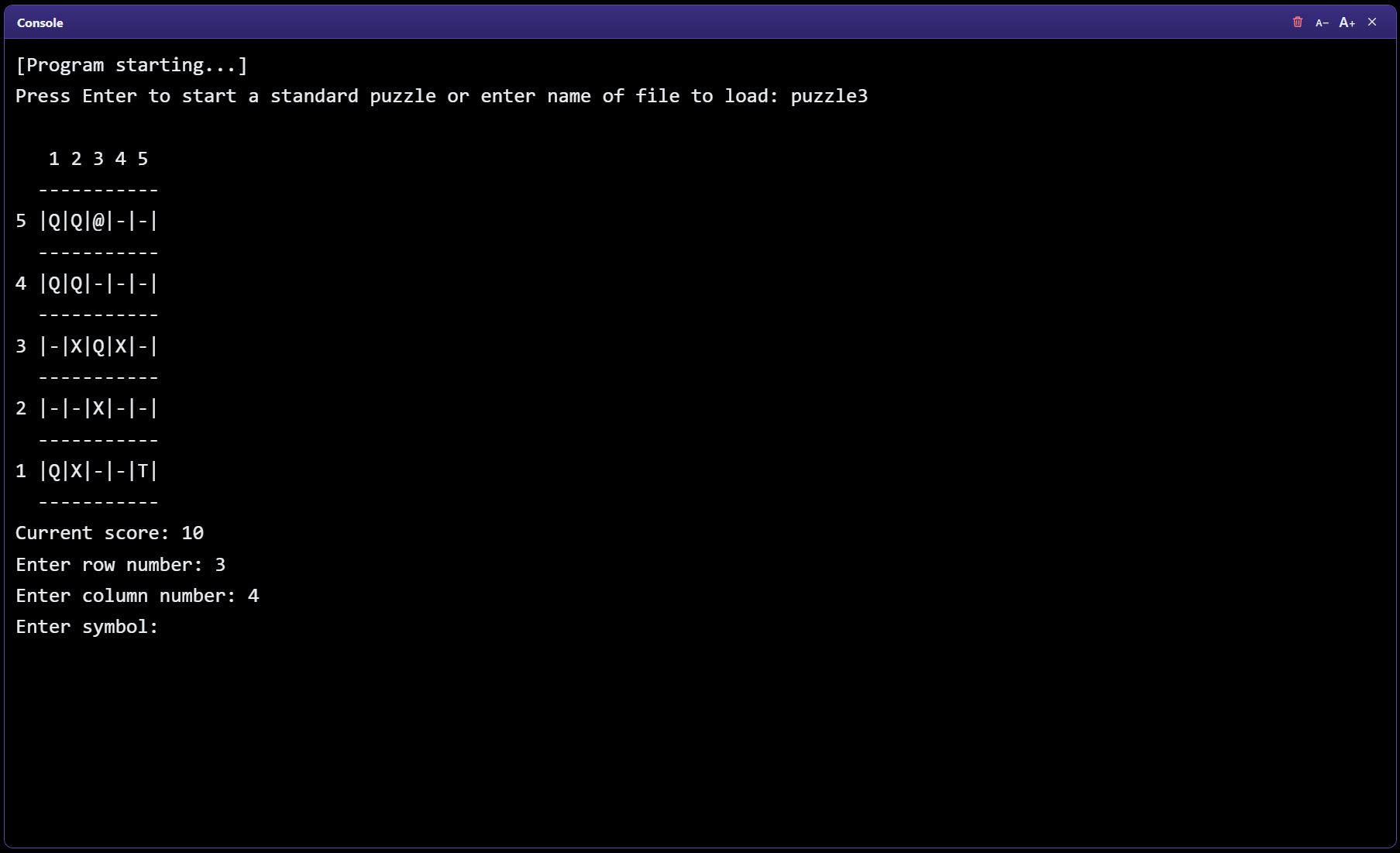
An interactive console
The console supports Console.ReadLine and Console.ReadKey, colours and cursor positioning, which is exactly what AQA-style text programs use. You can expand it to fill the window and change its text size.
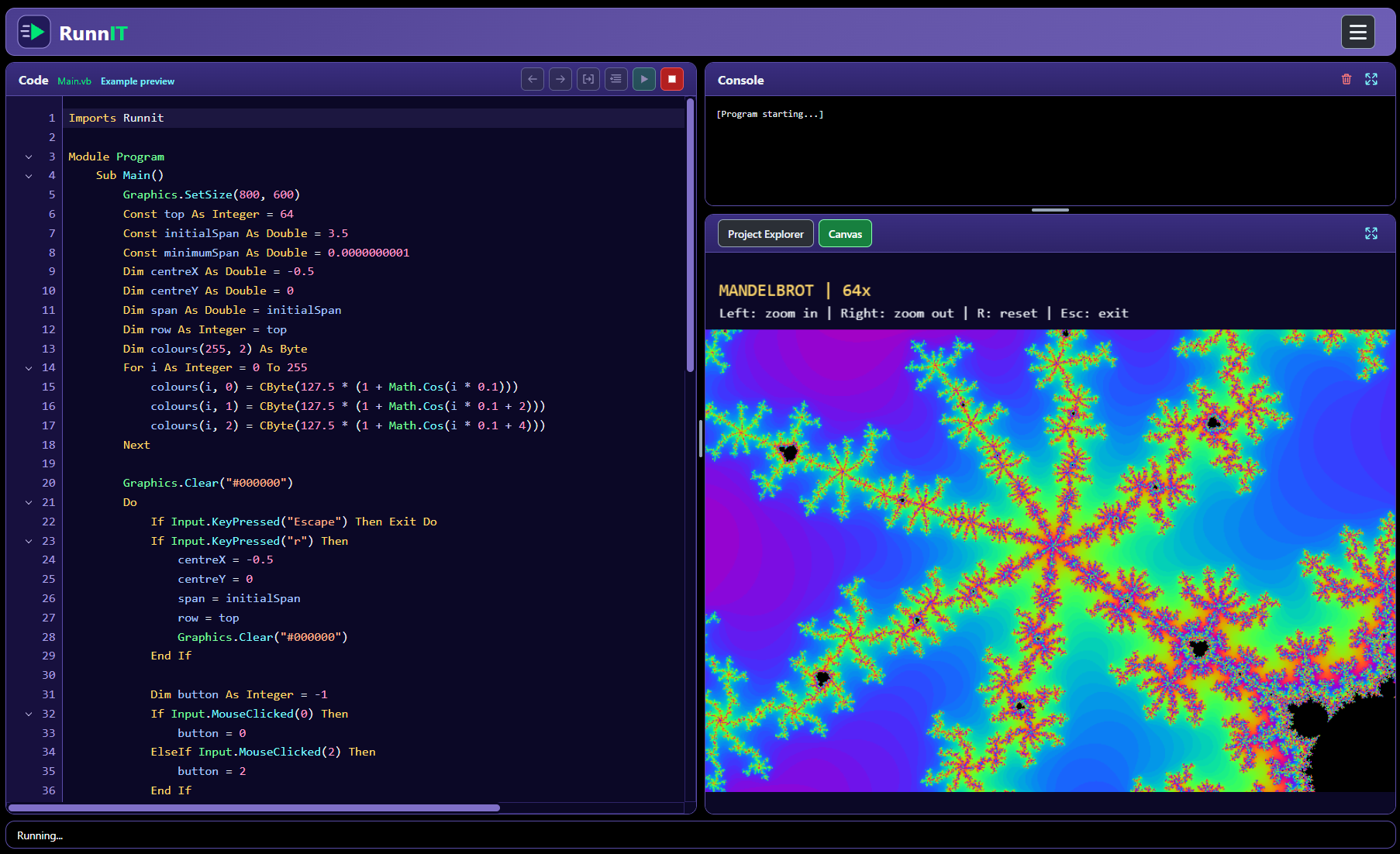
Graphics, input and sound for animations and games
A small educational API gives you shapes, text, images and sprite sheets, keyboard, mouse and touch input, and synthesised tones or WAV and MP3 playback. It is deliberately not a game engine: students write their own game loop, movement and collision code. The API has its own reference pages, and code completion shows documentation for every member.
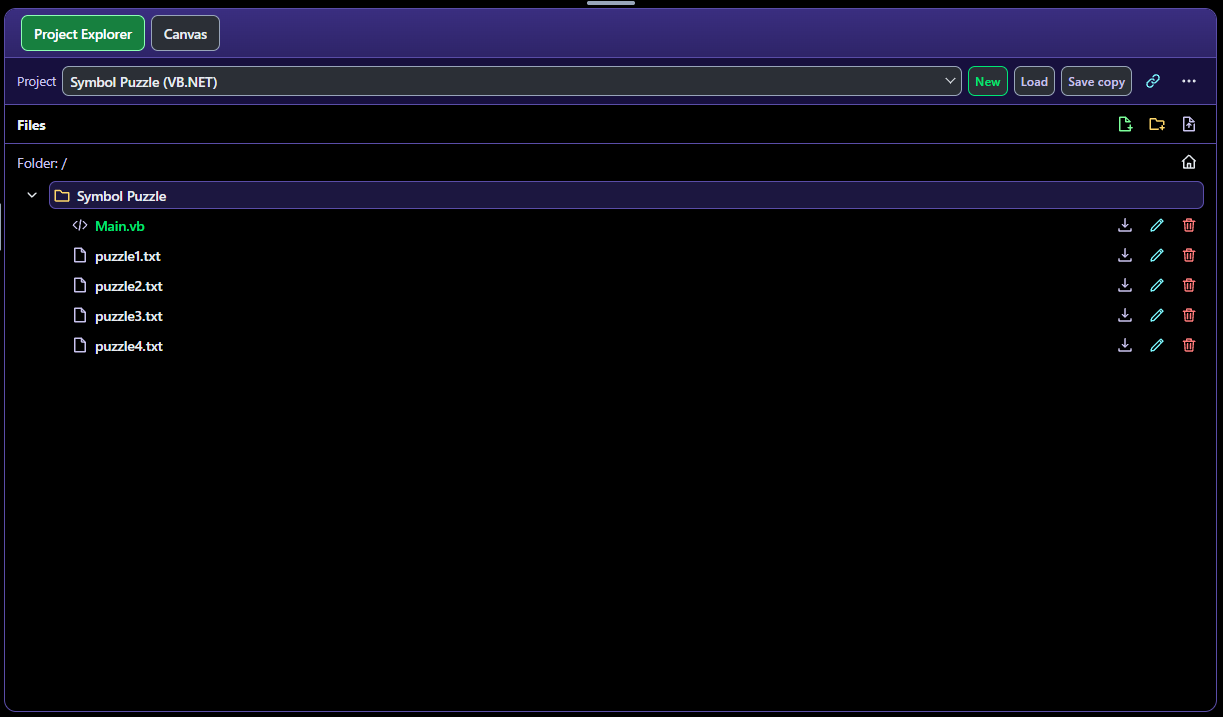
Projects, files and sharing
Projects can have several source files, folders, data files, images and sounds. They are saved in your browser, and "Save copy" gives you a file to keep or move to another computer. You can also share a project as a link, optionally set to offer to start the program straight away. No accounts are involved.
For AQA A Level Computer Science and NEA projects
RunnIT runs VB.NET and C# skeleton programs of the kind used in the AQA A Level Paper 1 pre-release material, with the data files they read. Students can load the files, explore the code with code completion, and use the debugger to see how it behaves. For the non-exam assessment, the graphics, input and sound APIs are enough to build animations and simple games. RunnIT is an independent tool and is not affiliated with or endorsed by AQA.
How RunnIT works
RunnIT includes the Roslyn compiler and the .NET runtime, compiled to WebAssembly, and runs them in a background worker in your browser. That is why programs start without a server and why your code stays on your device. It needs a modern browser that supports WebAssembly shared memory. After the first visit RunnIT can be installed and used offline.
What RunnIT is not
- It is not Visual Studio. Windows Forms and WPF are not available, and code completion does not cover every feature of the full IDE.
- Programs run on a single thread.
Thread.Sleepworks, but threads, tasks and timers are not supported. - The debugger supports ordinary synchronous code. A small number of constructs, such as async methods, local functions and
GoTo, are not supported in debug mode, and it needs a desktop-sized window. - Projects are stored in your browser, so keep a saved copy of anything important.
Frequently asked questions
Is RunnIT free?
Yes. RunnIT is free to use and needs no account.
Is my code uploaded anywhere?
No. Compilation and execution happen inside your browser. A share link contains the project itself, and the site records only anonymous page views and usage counts.
Does it work on a Mac or a Chromebook?
Yes. It runs in a modern browser, so students on Macs, Chromebooks, Linux or Windows have the same experience. On phones and tablets the layout switches to tabs, though the debugger needs a larger screen.
Can I use it offline?
Yes. After the first full load you can install RunnIT from your browser's address bar or menu and keep using it without a connection.
Which languages does it support?
VB.NET and C#, with multi-file projects, on a current .NET runtime.
Can students share their projects?
Yes. Use the share button to create a link that opens the project as a preview. The recipient can add it to their own projects. You can also save a copy as a file.